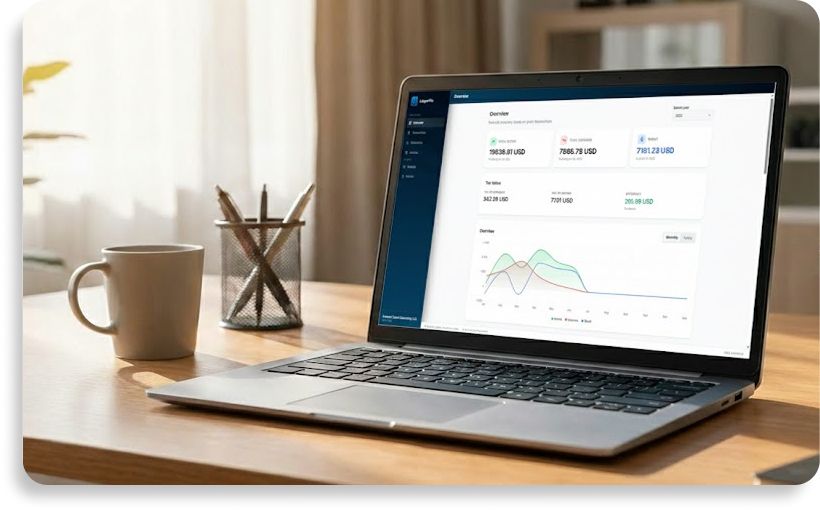
Local-first accounting software
Are you tired of accounting tools that force you into the cloud? LedgerFile Helper is built entirely on a "local-first" philosophy. Your financial data stays exactly where it belongs: on your own computer.
Your data, your rules
When you use a local-first application, you never have to worry about your sensitive business information being stored on a vendor's external servers. Everything from your invoices and customer details to your transaction records is saved locally on your Windows PC.
Work safely offline
Because there is no required cloud sync, the app works 100% offline. You can create invoices, manage expenses, and review your finances without relying on an active internet connection. You also maintain complete control over your backups—export them to a USB drive or your preferred cloud storage folder whenever you like.
A true one-time purchase
Say goodbye to endless monthly fees. By running locally, there are no server costs to pass on to you. You purchase LedgerFile Helper once in the Microsoft Store, and then you own the software forever. It's a straightforward, subscription-free solution for sole traders and freelancers.
FAQ
Where exactly is my data stored?
Exclusively on the hard drive of the computer where you installed the app. You can manually export backups anytime to move your data to a new device.
Do I need an internet connection to use the app?
No. Once you've downloaded it from the Microsoft Store, you can use the software completely offline.