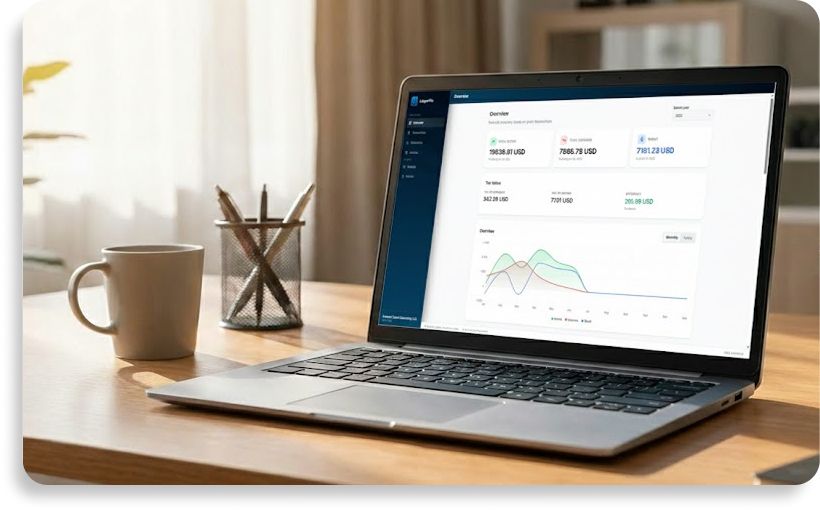
Offline bookkeeping tool
An offline bookkeeping tool gives you the freedom to manage your administration without relying on cloud services. LedgerFile Helper is designed to run entirely locally on your Windows PC, keeping your financial data secure and private.
Everything you need, completely offline
With LedgerFile Helper, you can easily create invoices and export them directly to PDF. When you mark an invoice as paid, the tool automatically generates a transaction record for you. You can track all your income and expenses, apply your own tax rates, and export organized summaries whenever you need to report your finances.
True data privacy
Because this tool operates without any cloud storage or online synchronization, your data is never uploaded to external servers. There are no mandatory web logins or real-time tracking features. It is a dedicated, local workspace tailored for sole traders and small business owners who value privacy and full control over their own storage.
Easy backups and portability
You are entirely in charge of your data. The tool includes a straightforward backup and restore function, allowing you to easily save your records to a secure USB drive or migrate your database to a new Windows computer without losing a single transaction.
FAQ
Can I create invoices while offline?
Yes. You can create invoices, manage expenses, and export PDFs entirely without an internet connection.
How do I move my records to a new computer?
Simply export a backup file from your old device and use the import function on your new computer to pick up exactly where you left off.