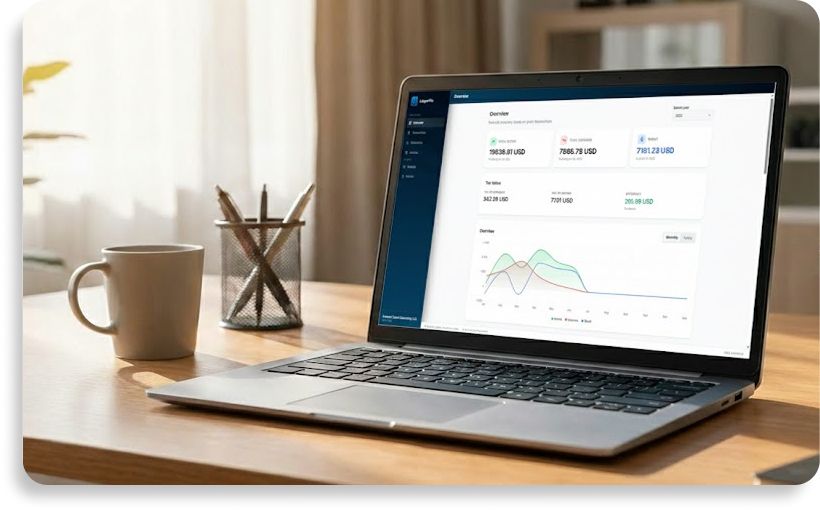
Simple invoicing and financial tracking
Running a business means you need to get paid and keep track of your money without wasting time on complicated software. LedgerFile Helper connects the dots between your invoices and your administration, giving you a smooth and secure workflow.
A seamless workflow
Creating professional PDF invoices is just the first step. Once you mark an invoice as "sent", the tool safely locks the details. When the client pays, you simply mark it as "paid" and the app instantly generates a corresponding transaction record. You never have to enter the same data twice.
Track every expense
Beyond invoicing, you can easily log your daily expenses, apply the correct tax rates, and organize your receipts. When it is time to do your taxes or evaluate your business, simply export clean, formatted summaries for your archives.
Local control, zero subscriptions
Instead of paying a monthly fee to rent a cloud service, LedgerFile Helper is a straightforward Windows desktop application. You buy it once, own it forever, and all your sensitive financial data is stored privately on your own computer.
FAQ
What is the difference between marking an invoice as sent and paid?
Marking it as sent locks the invoice so it cannot be accidentally changed. Marking it as paid officially records the money in your ledger as a completed transaction.
Is my financial data uploaded to the internet?
No. Everything is stored locally on your device, ensuring complete privacy. You are fully in control of exporting your own backups.